

The Suppliers list shows every supplier registered for your venue, along with when they deliver and how to contact them.
Steps
-
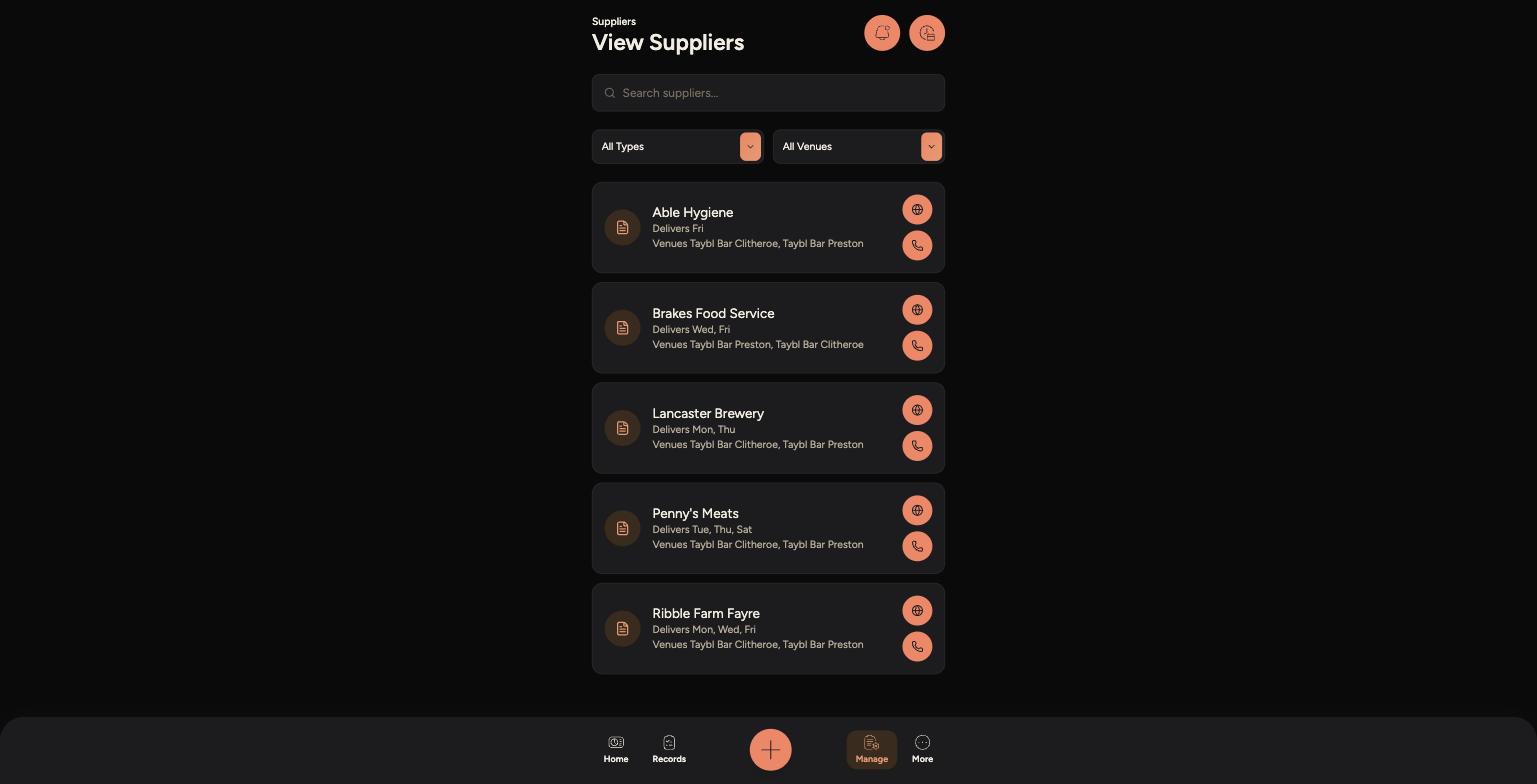
Go to Manage > Suppliers & Contacts > Suppliers.
-
Use the search bar, or the Type and Venue filters, to narrow the list down.
-
Each supplier card shows their delivery days and which venues they supply.
-
Tap the phone or globe icon to call the supplier or open their website directly.
-
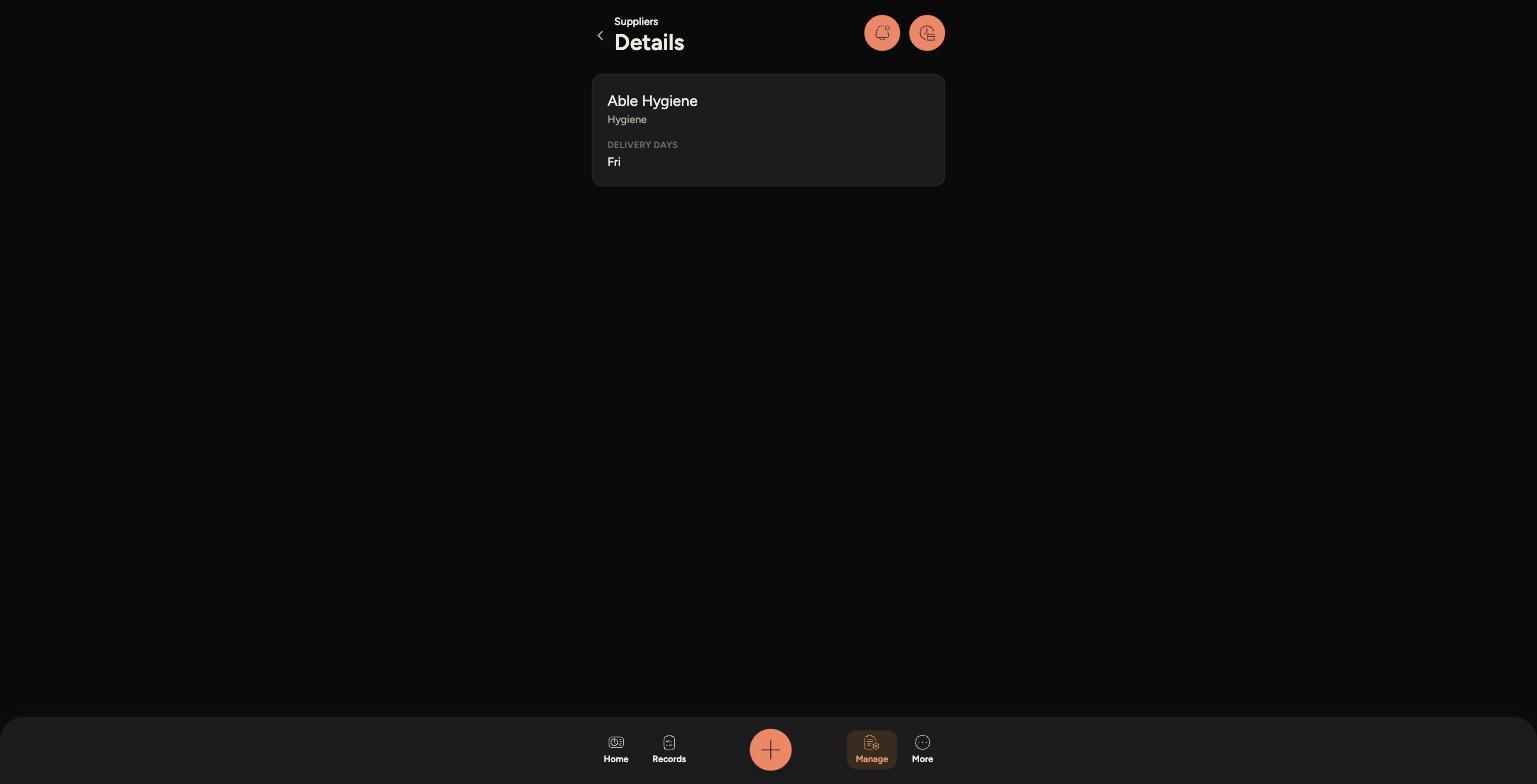
Tap a supplier's card to open their details, including their category and full delivery schedule.
The full list of suppliers with delivery days and venues
A supplier's details, showing category and delivery days
/
Tips
Delivery days can help you plan when to check stock or chase an order that hasn't turned up.
Use the Venue filter if your venue works with multiple sites, so you're only seeing suppliers relevant to where you are.
If a supplier's details look out of date, let a manager know — supplier records are managed from the Admin Panel.