

Pre-Orders shows any food or drink guests have ordered ahead of their visit, so the kitchen can prepare in advance.
Steps
-
Go to Manage > Bookings > Pre-Orders.
-
Any upcoming pre-orders are listed here, showing the guest, the booking they're linked to and what's been ordered.
-
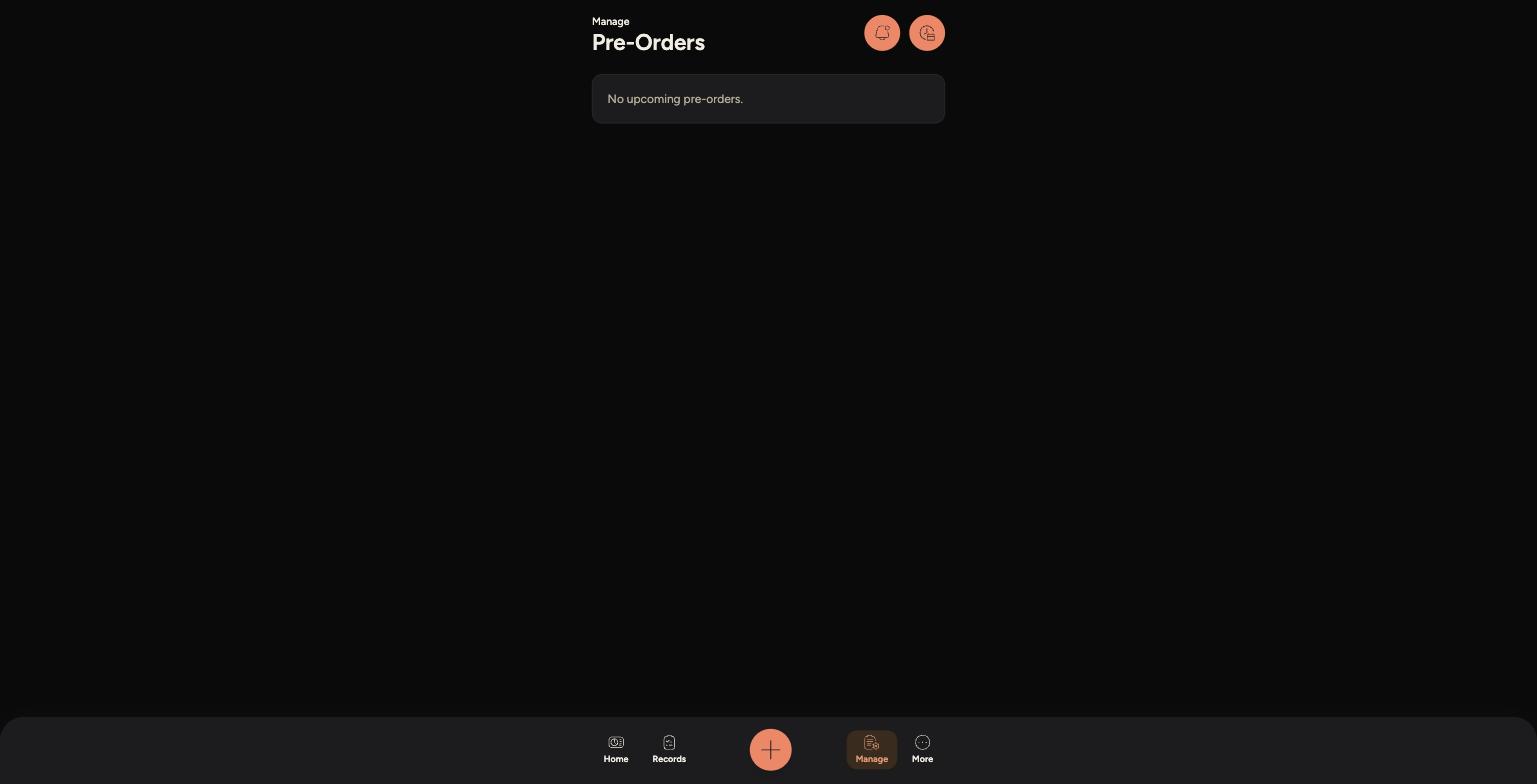
If there are none due, the screen will say No upcoming pre-orders.
The Pre-Orders screen when nothing is due
Tips
Pre-orders are usually linked to larger bookings, like Sunday lunches or set-menu events, where guests choose their meal in advance.
Check this screen alongside Bookings so the kitchen knows what to prepare ahead of a busy sitting.
If a guest's order needs to change, this is handled outside the Staff App — speak to a manager if something looks wrong.