

Fridges and freezers can be set up with their safe temperature ranges from Settings, so the Staff App knows what counts as a pass or fail during daily checks.
Steps
-
Go to Settings > Fridges & Freezers.
-
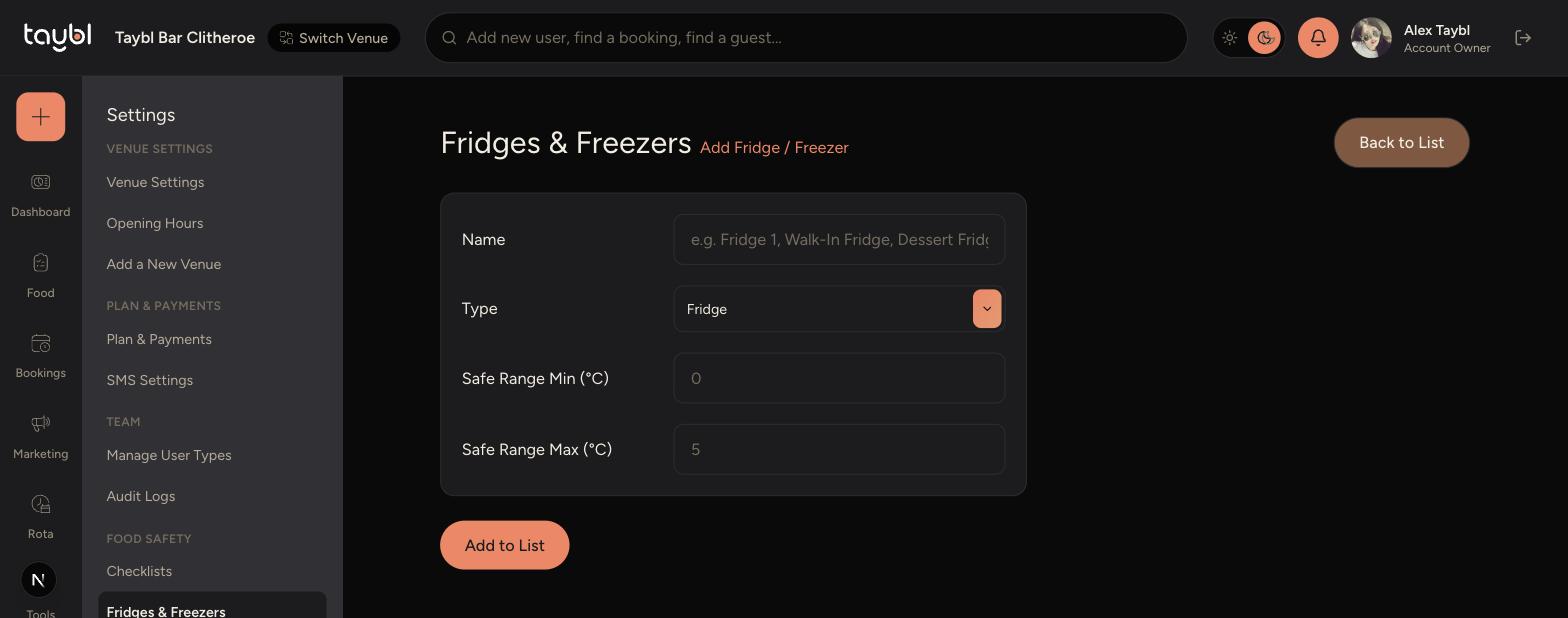
Tap Add Fridge / Freezer to create a new one, or the pencil icon on an existing one to edit it.
-
Enter a Name and choose the Type - Fridge or Freezer.
-
Set the Safe Range Min and Safe Range Max in °C for that unit.
-
Tap Add to List (or Save Changes when editing) to save it.
-
-
Use the bin icon to remove a fridge or freezer that's no longer in use.
-
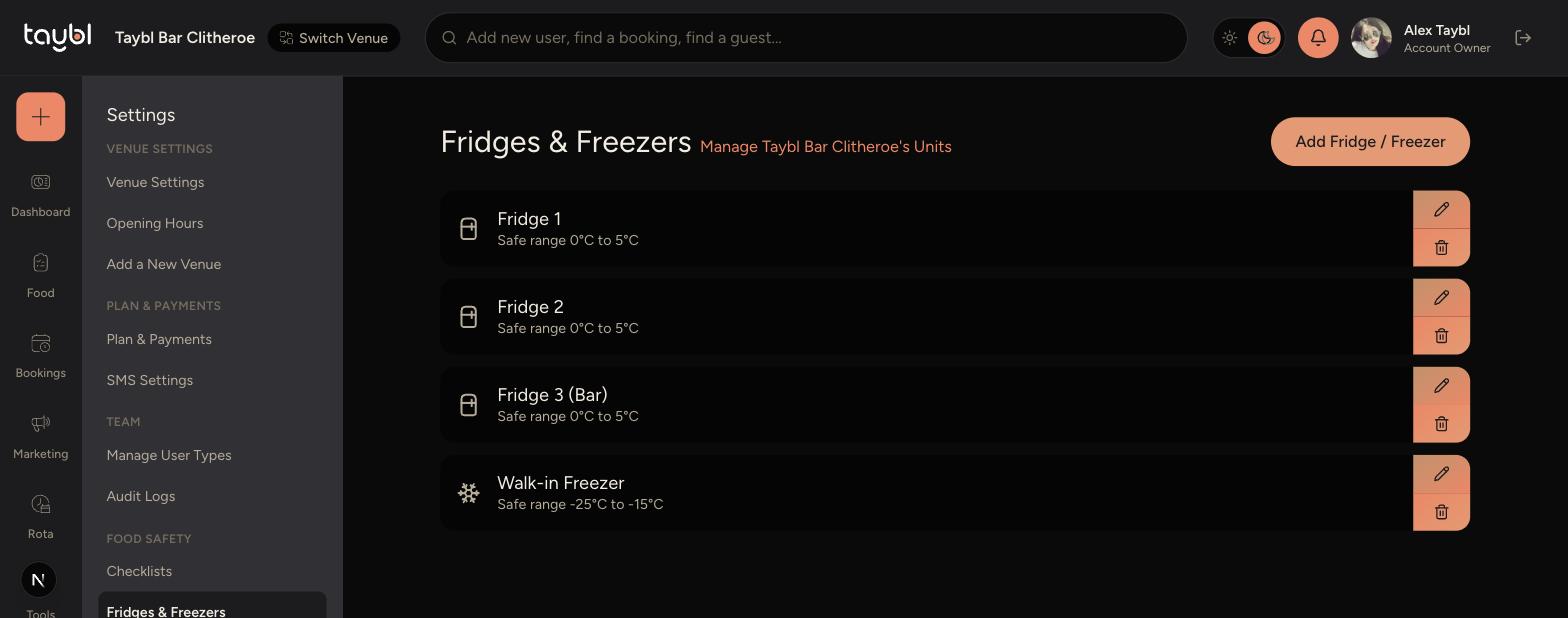
Safe Range Min and Max set what counts as a pass or fail on the Staff App's temperature checks, so keep them accurate for each unit.
Name units clearly, such as "Fridge 3 (Bar)", so staff can tell them apart quickly when logging temperatures.
Deleting a fridge or freezer here removes it from the list staff choose from in the Staff App, so only remove units that are genuinely out of use.