

The Maintenance screen shows every open request, so you can see what's already been reported and check on progress.
Steps
-
Go to Manage > Facilities & Menu > Maintenance.
-
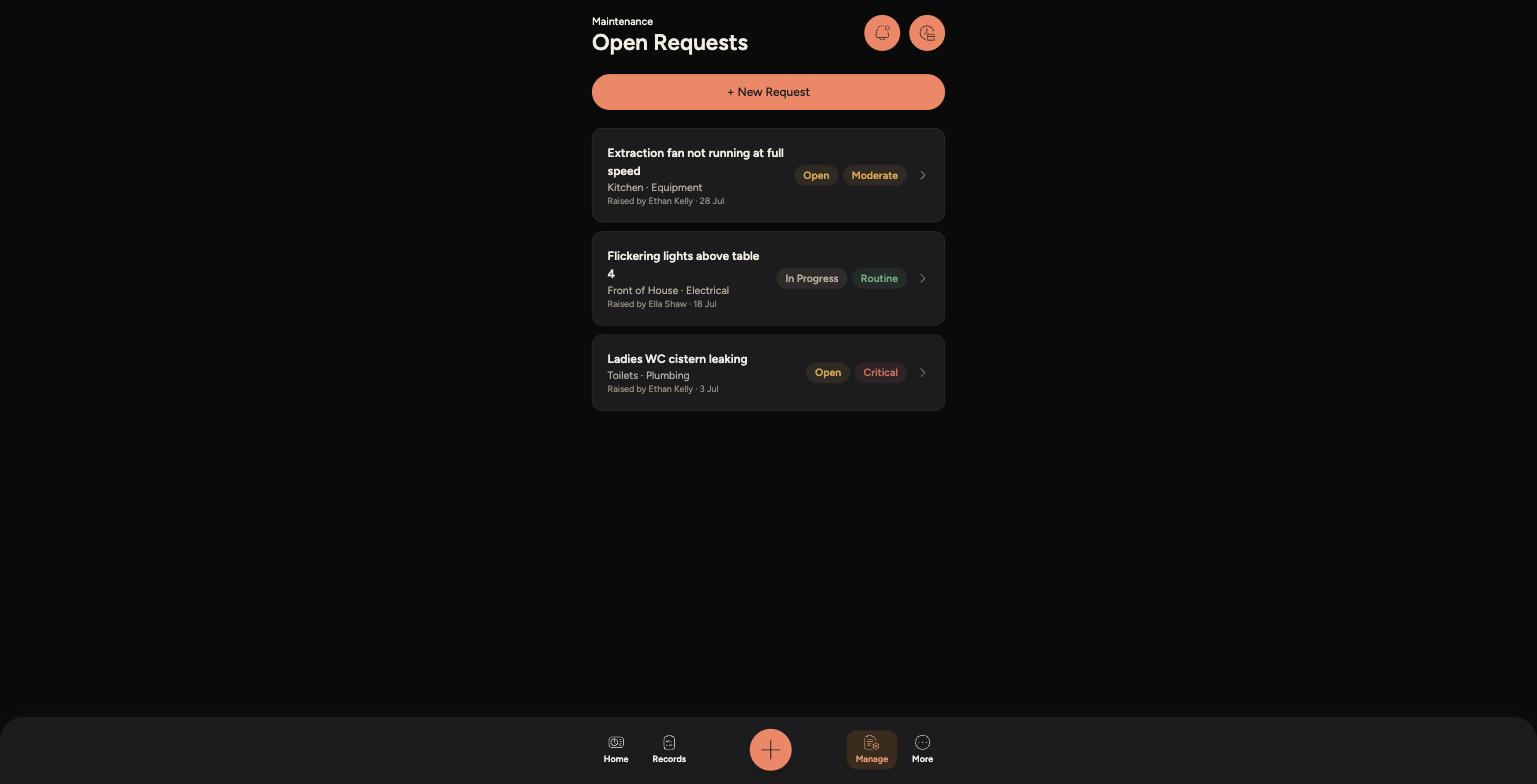
Open Requests lists everything currently reported, with a status badge (Open or In Progress) and a priority badge (Routine, Moderate or Critical).
-
Each card shows the location and category, and who raised it.
-
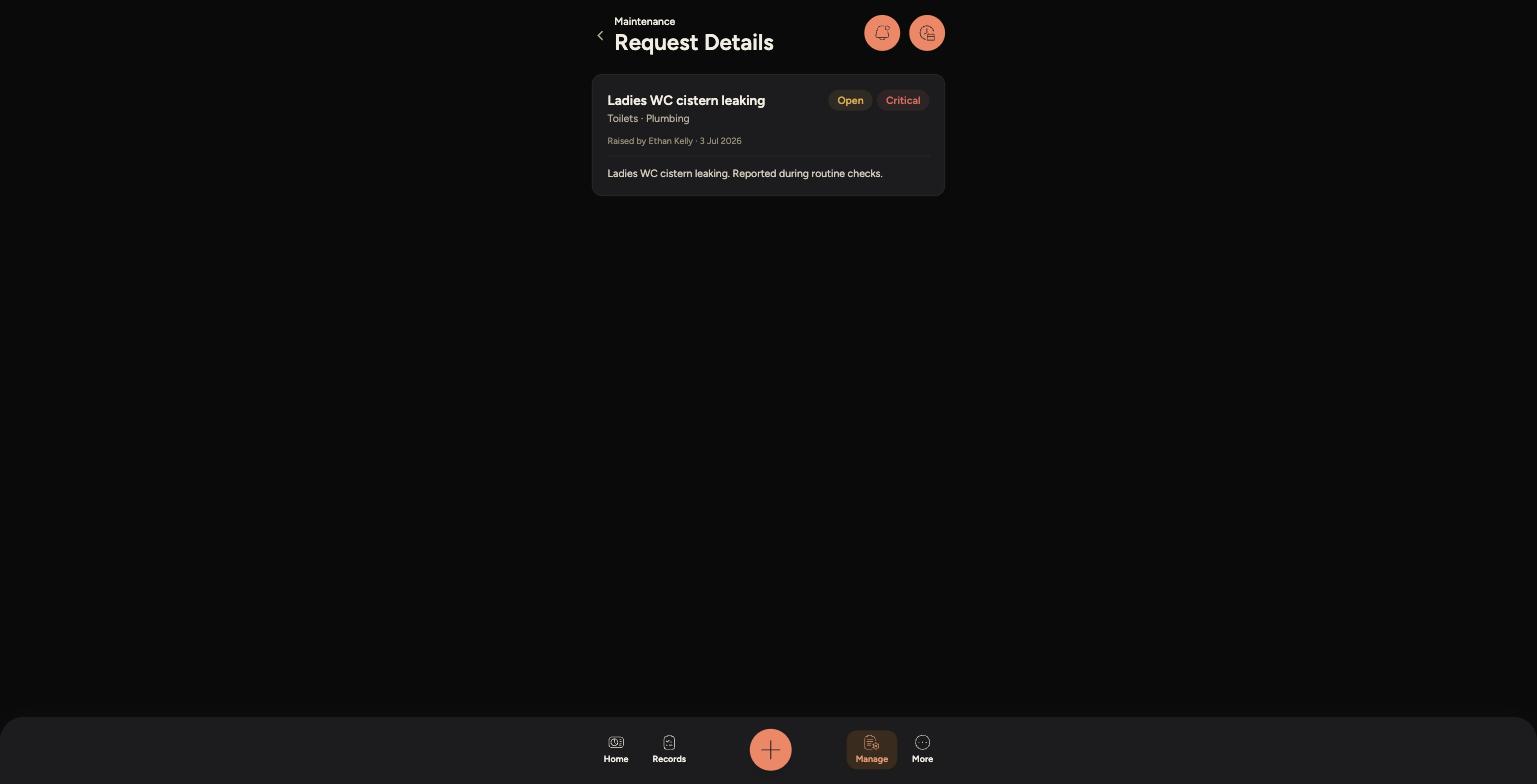
Tap a request to open its full details, including the description of the issue.
Open Requests, showing status and priority for each issue
A request's full details, including the description
/
Tips
Check this screen before raising a new request — the issue may already be logged, so you can avoid a duplicate.
In Progress means someone is already working on it — Open means it hasn't been picked up yet.
If a Critical request hasn't moved for a while, follow up with a manager rather than waiting.