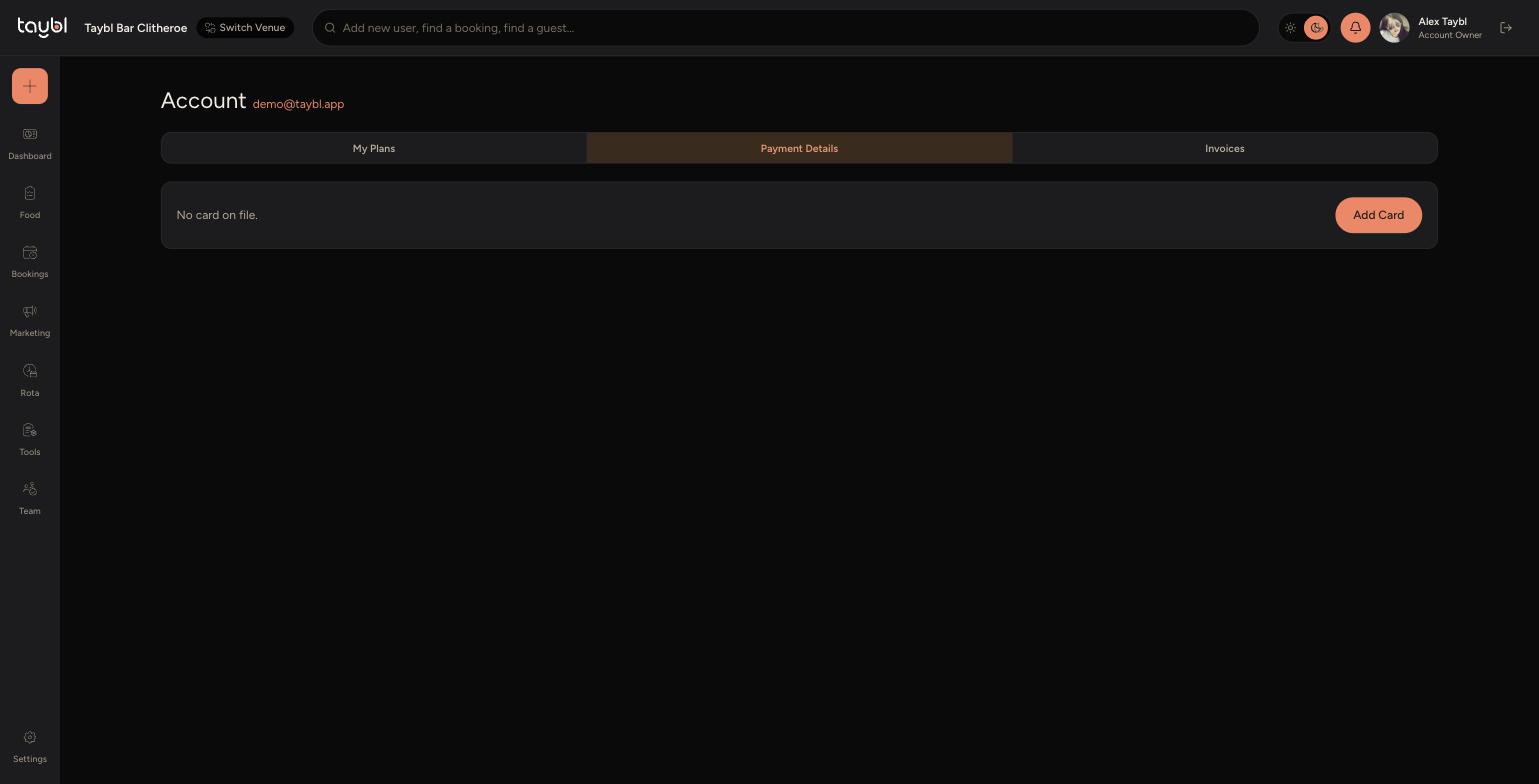
Add or update the card used for your Taybl subscription.
Steps
-
Go to Settings, then "Plan & Payments".
-
- Switch to the "Payment Details" tab.
-
- If there's no card on file, click "Add Card". If a card is already saved, the same button lets you replace it with a new one.
-
- Enter the new card details and save. This card is then used for all future billing on the account.
-
Once a card is saved, you can view your billing history under the "Invoices" tab on the same page.