

Let your manager know which days and times you're free to work, either as a regular weekly pattern or for one specific week.
Steps
-
Open the Staff App, tap the Rota icon in the top right corner, then tap "My Availability".
-
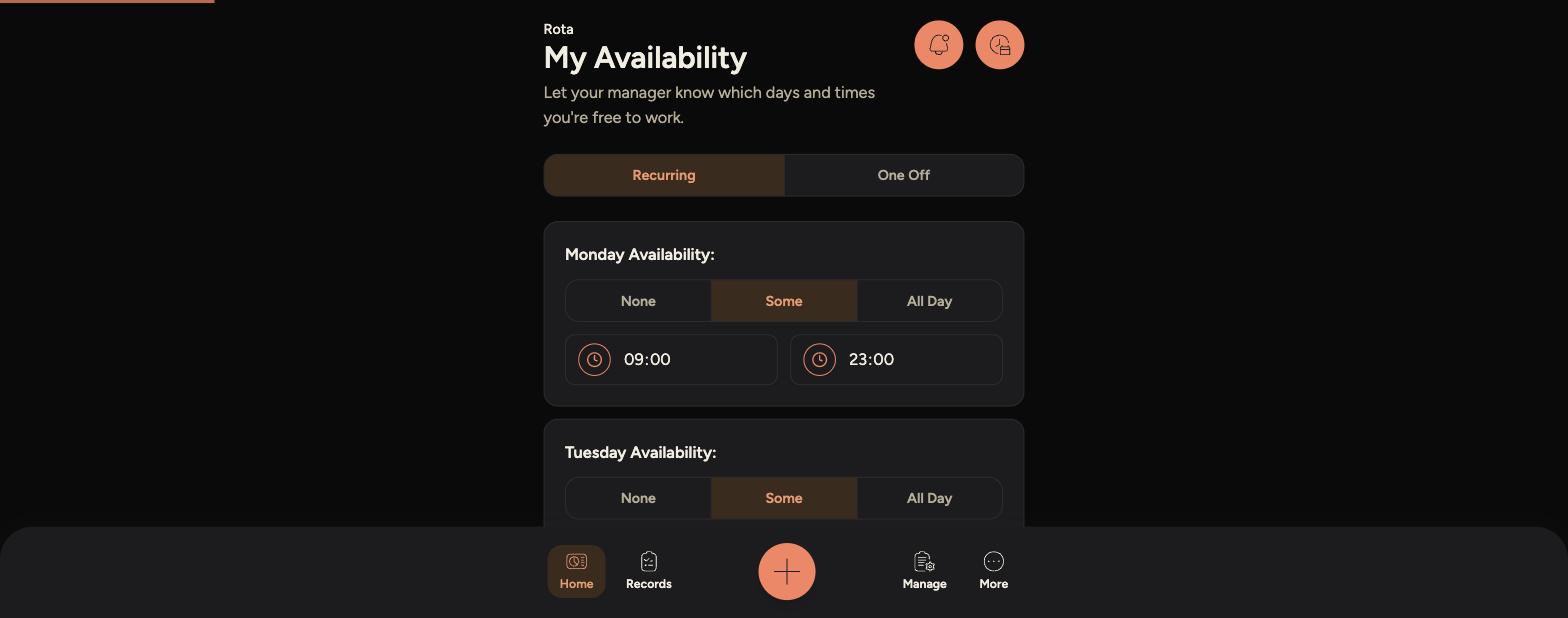
The "Recurring" tab is selected by default. For each day of the week, choose None, Some or All Day, and set start and end times if you choose Some.
-
-
Recurring availability becomes your standing weekly pattern and applies every week until you change it.
-
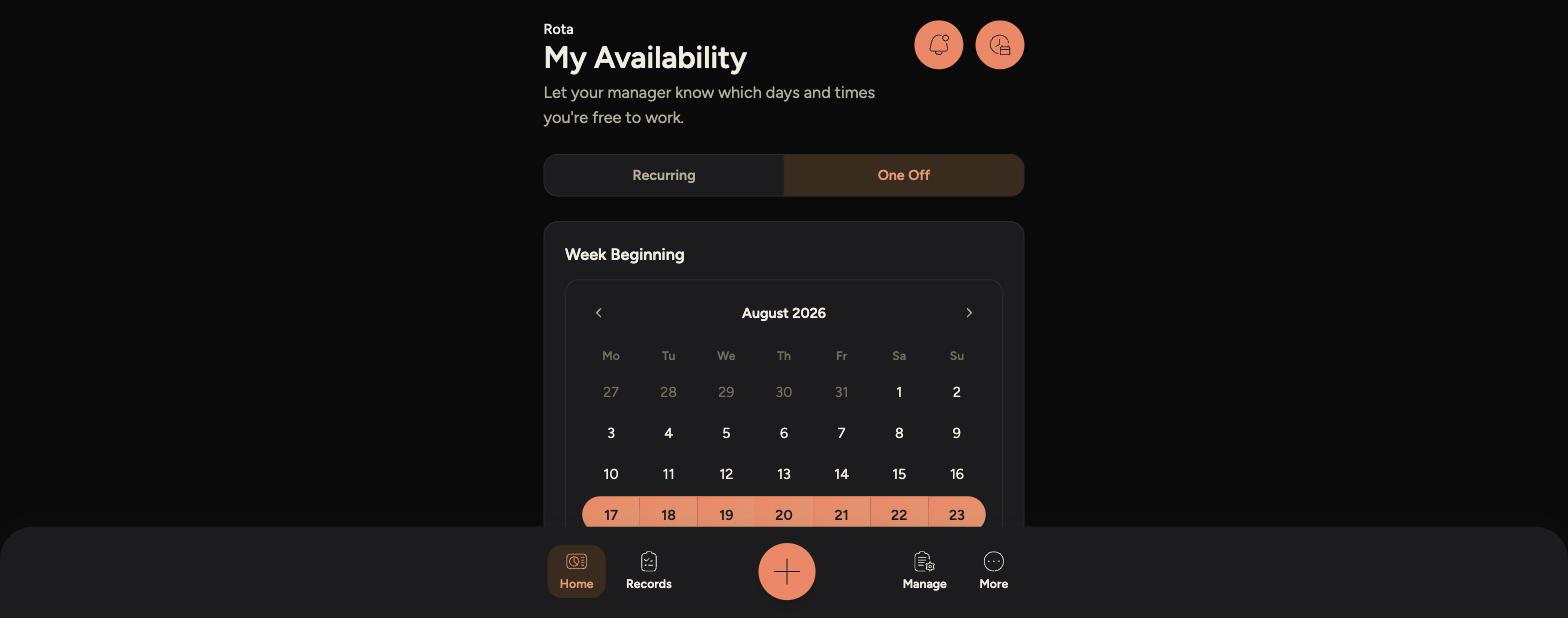
To set availability for just one week, tap the "One Off" tab instead.
-
Choose the week beginning date from the calendar, then set your availability for that week the same way as above.
-
-
One-off availability only affects that specific week and doesn't change your recurring pattern.
Tips
If you don't set any availability, your manager can still schedule you, so keep it up to date.
One-off availability is useful for holidays, appointments or any week that differs from your usual pattern.