

Open Shifts let you pick up extra work on a first-come basis, and you'll be notified as soon as one becomes available.
Steps
-
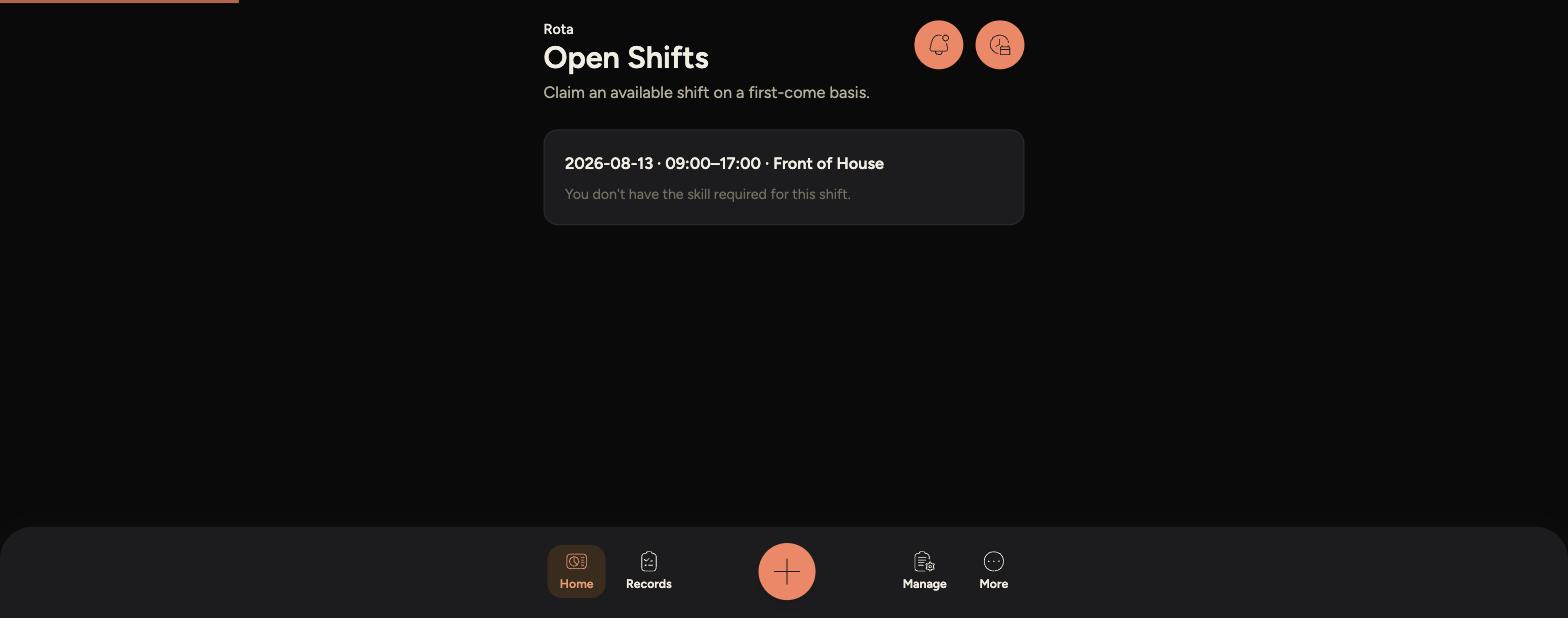
Open the Staff App, tap the Rota icon in the top right corner, then tap "Open Shifts".
-
Any shifts that need covering are listed with the date, time and section.
-
-
If you have the right skill for the shift, tap it and confirm to claim it.
-
Once claimed, the shift moves onto your rota under "My Rota".
Tips
You'll get a push notification whenever a new open shift matching your skills is posted, so you can claim it quickly.
Open shifts are claimed on a first-come, first-served basis, so once someone else claims one it disappears from the list.