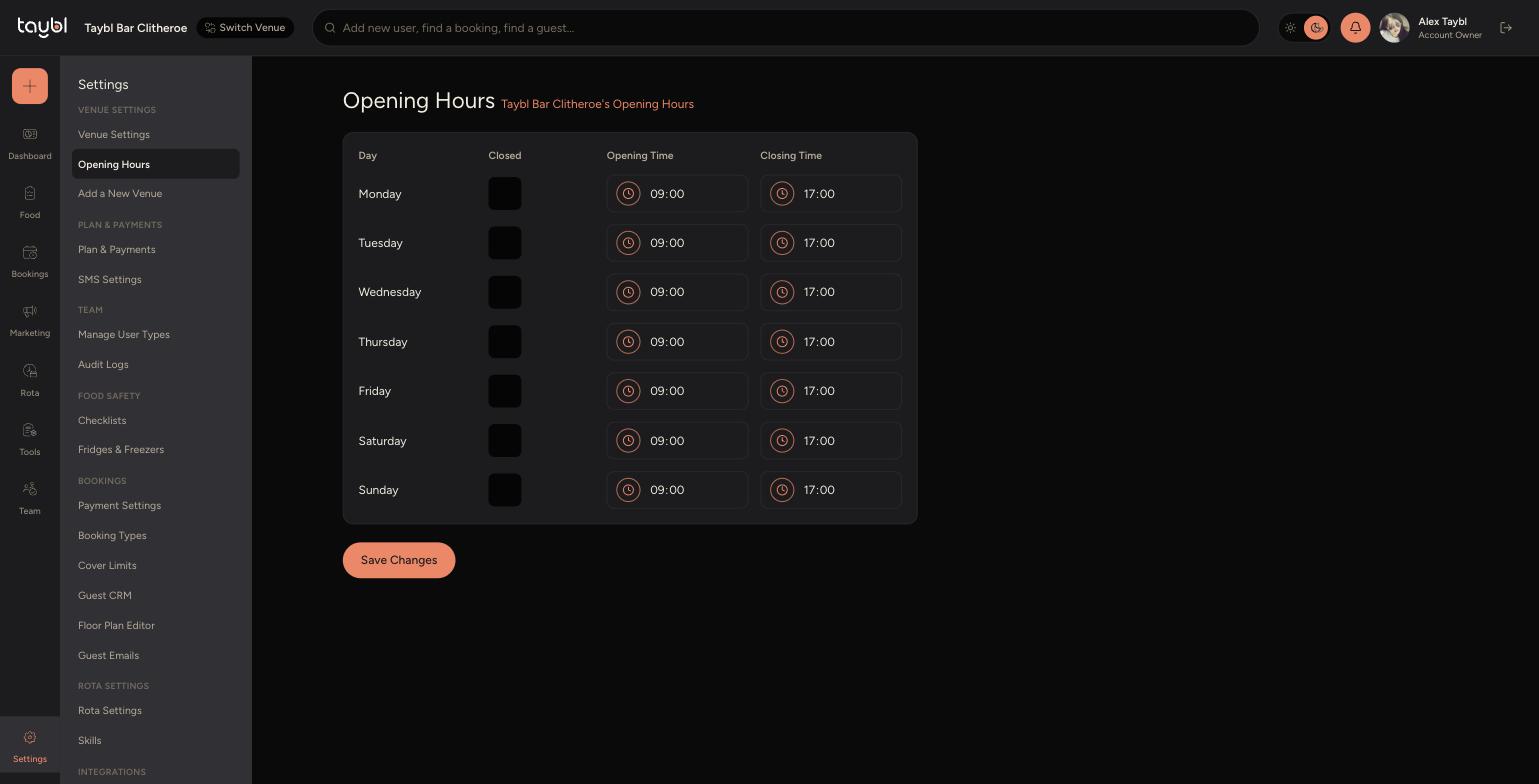
Set the hours your venue is open each day, the times customers see when booking.
Steps
-
Go to Settings, then "Opening Hours" under Venue Settings.
-
- For each day, set an Opening Time and Closing Time.
-
- Tick "Closed" on any day the venue doesn't open at all.
-
- Click "Save Changes".
Related Settings
-
These hours control when the venue is open overall. Two things sit on top of them:
-
Availability for individual booking types, such as Lunch or Dinner service, has its own hours. See the "Setting Up Booking Types" guide to change when a specific booking type is available.
-
Blocking out a specific date, such as for a private event or closure, is done separately. See the "Blocking Out Dates" guide for that.
-