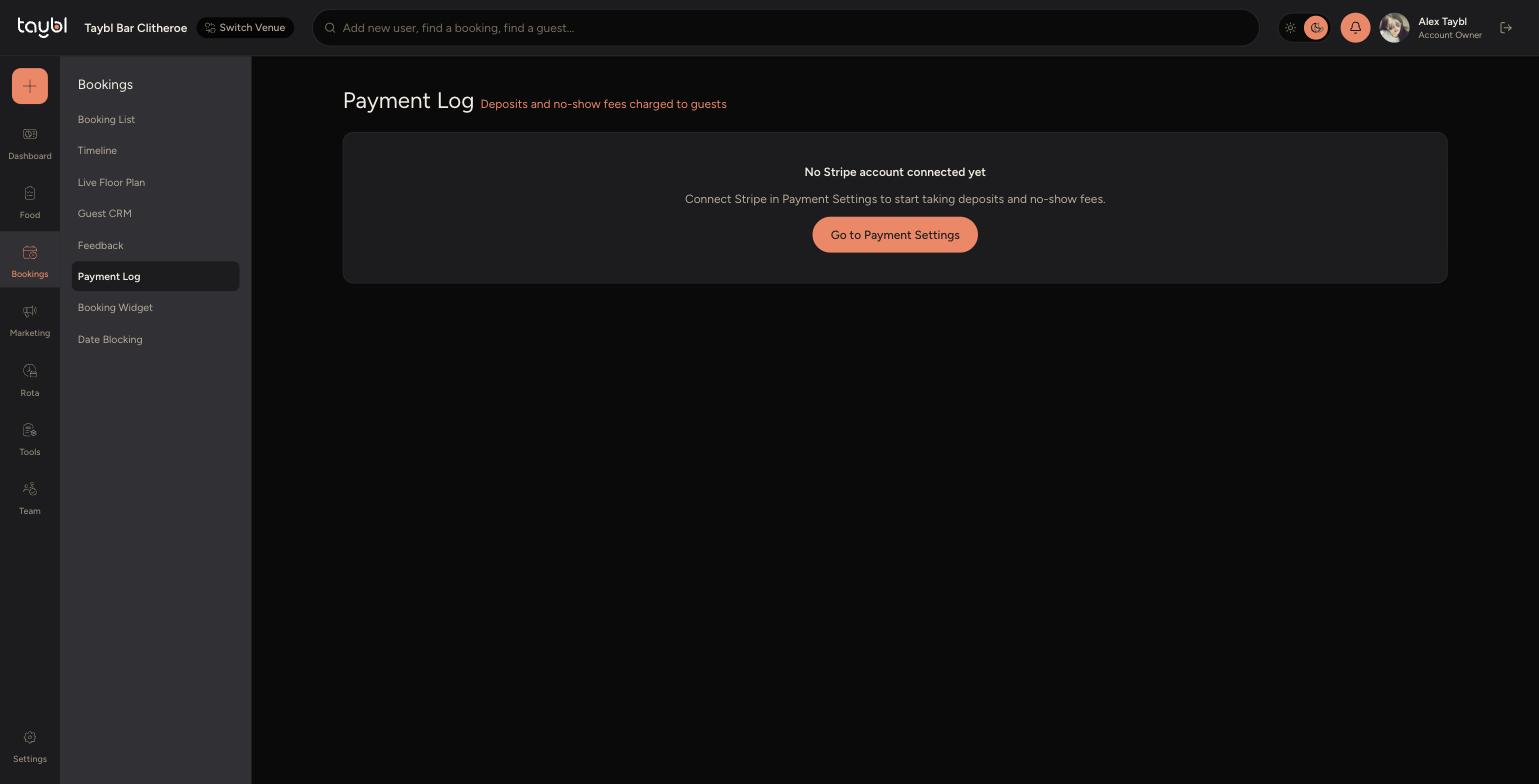
Connect Stripe to start taking deposits and no-show fees from guests, direct to your own bank account, with every charge logged in one place.
Steps
-
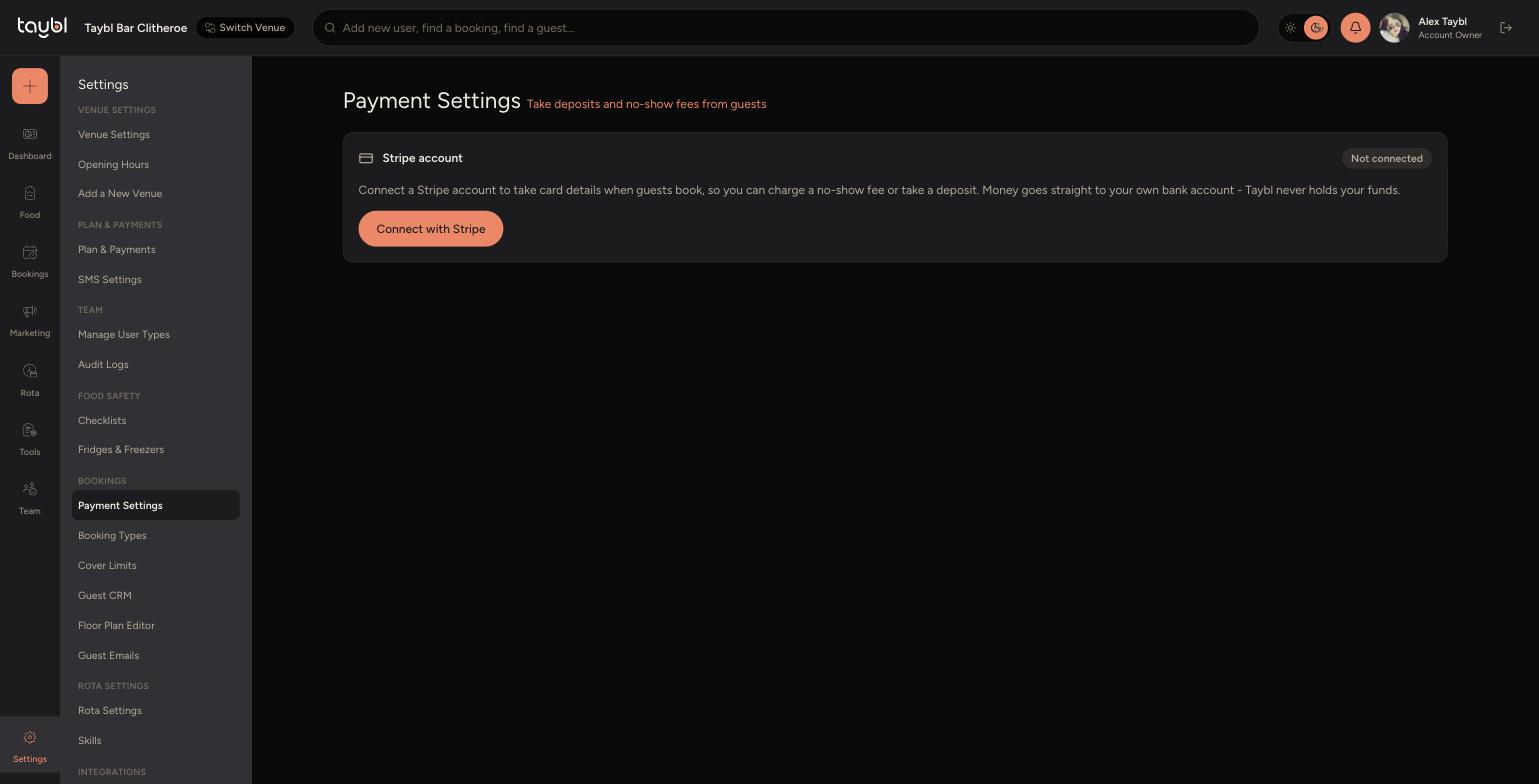
Go to Settings, then "Payment Settings".
-
-
Click "Connect with Stripe" and follow Stripe's setup to link your own bank account - Taybl never holds your funds.
-
Once connected, you can set which booking types require a card on file for a deposit or no-show fee - this is configured per booking type in "Booking Types".
-
Go to Bookings, then "Payment Log" to see every charge and payment made against a booking, in one place.