

The Rota icon in the top right corner of the Staff App gives you quick access to everything to do with your shifts, availability and time off.
Steps
-
Open the Staff App and go to the Home screen.
-
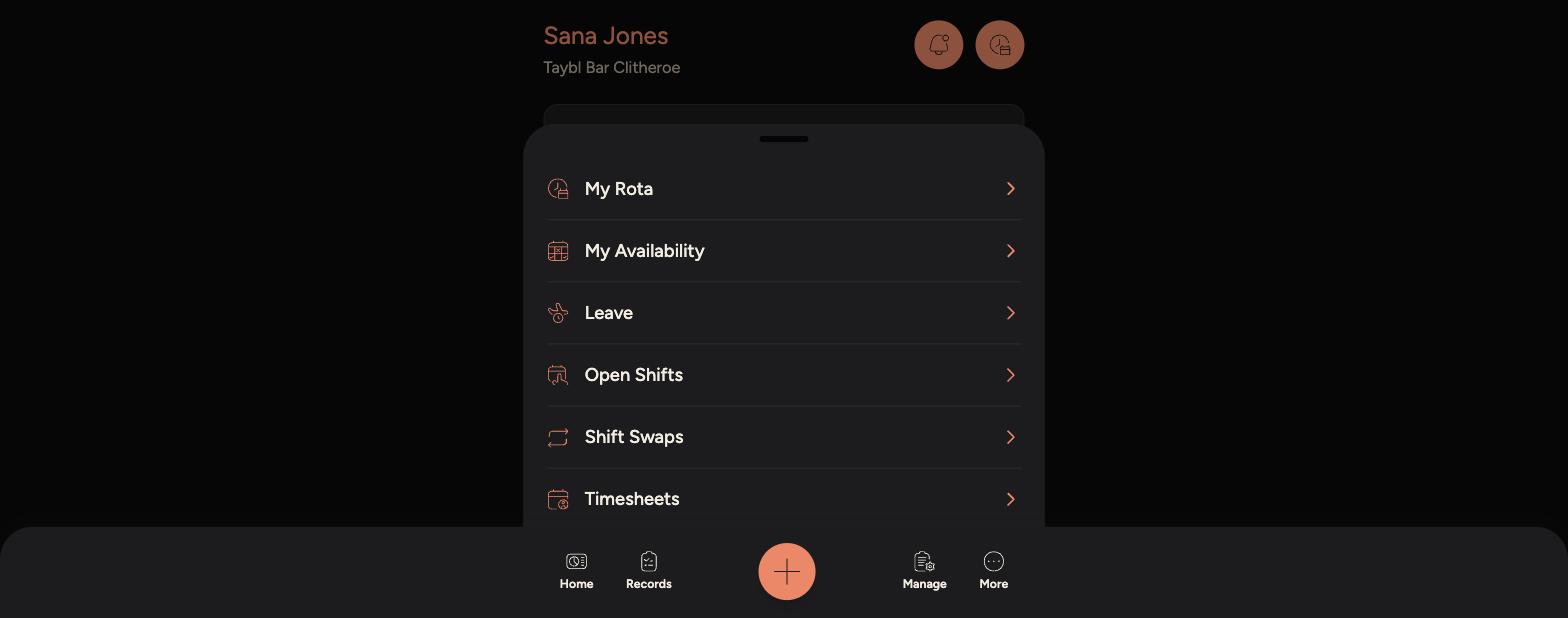
Tap the Rota icon in the top right corner, next to the notifications bell.
-
A menu slides up with My Rota, My Availability, Leave, Open Shifts, Shift Swaps and Timesheets.
-
-
Tap any option to open it.
Tips
You can also open Open Shifts, Shift Swaps or Timesheets directly from the sheet without going through My Rota first.
Swipe the sheet down, or tap outside it, to close it and return to the Home screen.