

Recipe Cards hold the ingredients, method and allergens for every dish on your menu - they're also what feeds the Allergen Matrix.
Steps
-
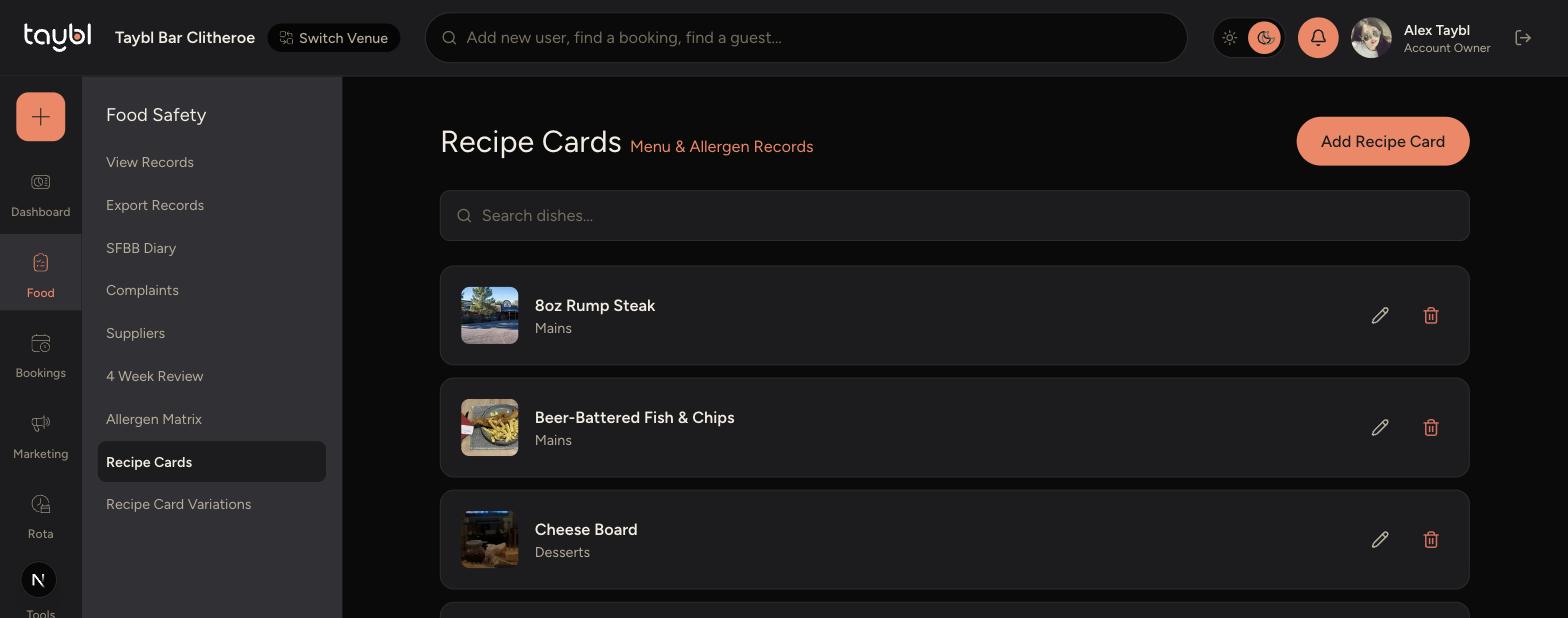
Go to Food Safety > Recipe Cards in the sidebar to see your existing dishes.
-
Tap the pencil icon on a dish to edit it, or Add Recipe Card to create a new one.
-
-
Fill in the dish name, menu category, price and a short description.
-
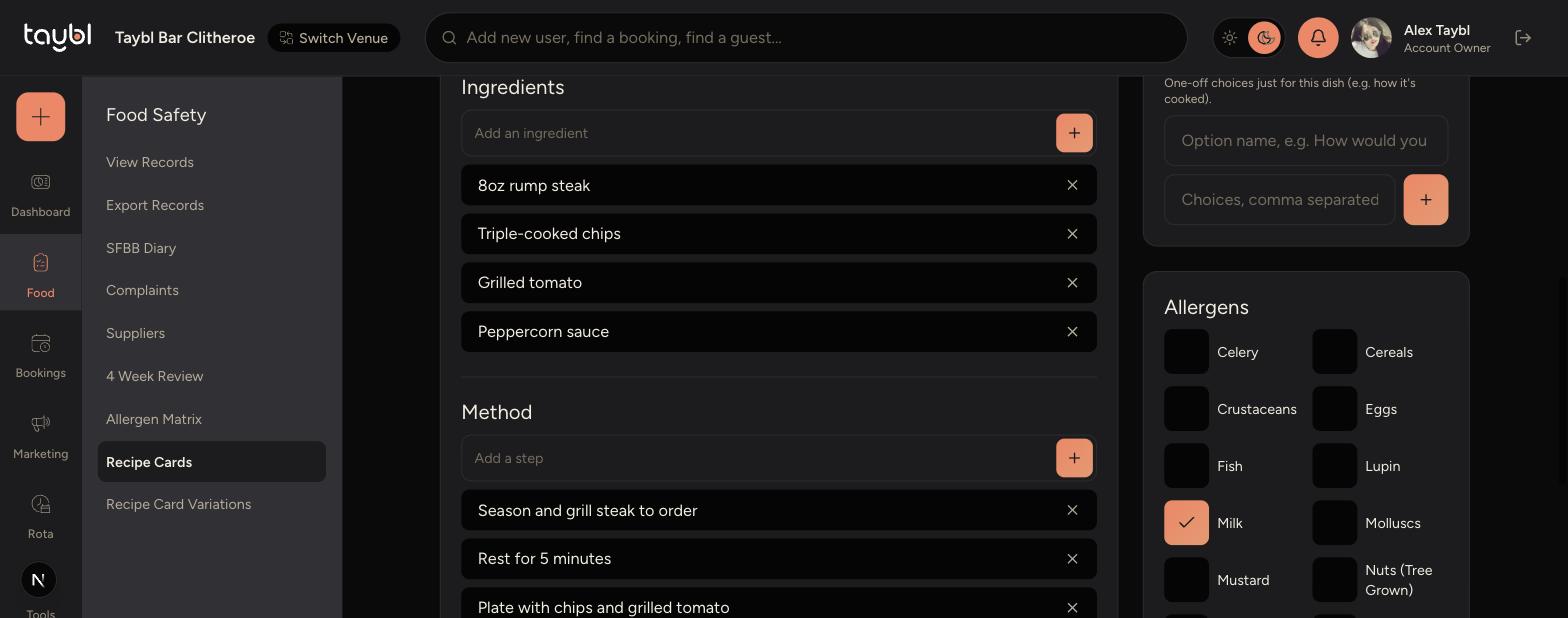
Add each ingredient and method step one at a time.
-
Tick every allergen the dish contains - this is what populates the Allergen Matrix.
-
-
Use Visibility to control whether the dish shows on the menu.
-
Tap Save Changes when you're done.
Tips
Double-check allergens carefully - this is a legal requirement and the Allergen Matrix relies entirely on what you tick here.
Turn off "Show this dish on the menu?" for seasonal or discontinued dishes instead of deleting them.
If several dishes share the same options (like a choice of sauce), set these up once on the Recipe Card Variations page instead of repeating them.