

See when every team member is available to work for the week, all in one place, before you start building the rota.
Steps
-
Go to Rota, then "Staff Availability" in the sidebar.
-
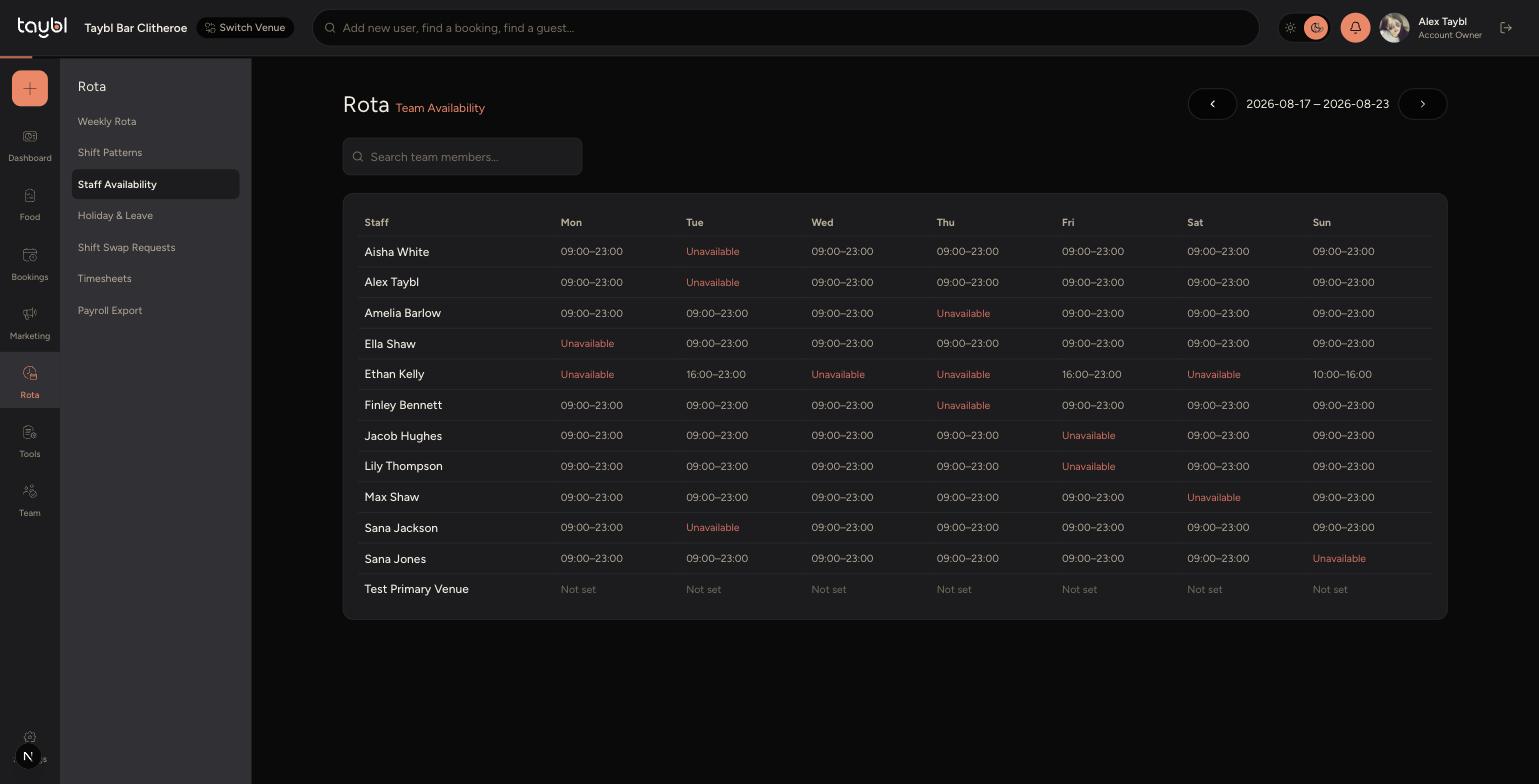
Use the arrows either side of the date range to move between weeks.
-
Each team member is listed down the left, with their availability for each day of the week across the top, shown as a time range or "Unavailable".
-
-
Use the search box to quickly find a specific team member if your list is long.
Tips
Availability shown here comes from each staff member's Recurring and One Off settings in the Staff App, so it's always kept up to date by them.
Check this page before publishing a rota to avoid scheduling someone on a day they've marked as unavailable.