

Mark a guest as arrived from the Guestlist, and undo it in a couple of taps if you check in the wrong booking.
Steps
-
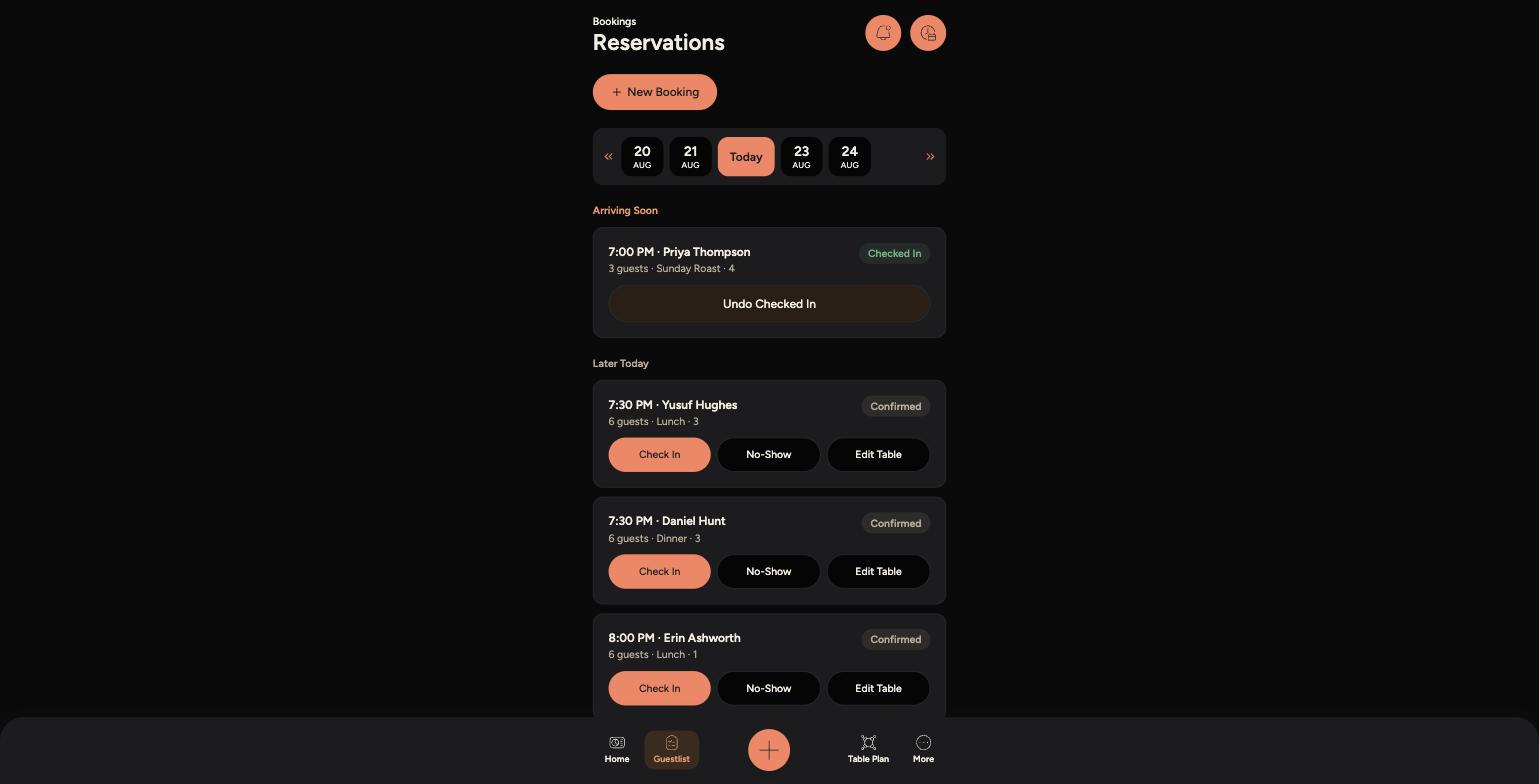
Go to Guestlist and find the guest's booking.
-
Tap "Check In" on that booking.
-
-
The status changes to "Checked In" straight away - there's no confirmation step, so double-check you've tapped the right booking before you tap it.
-
If you checked in the wrong guest, tap "Undo Checked In" on that booking to put it back to its previous status.
Tips
You can undo a check-in at any point during the booking, not just straight away - so if someone's plans change, you're not stuck with the wrong status.
Checking a guest in doesn't seat them at a table - use "Edit Table" if you also need to change where they're sitting.