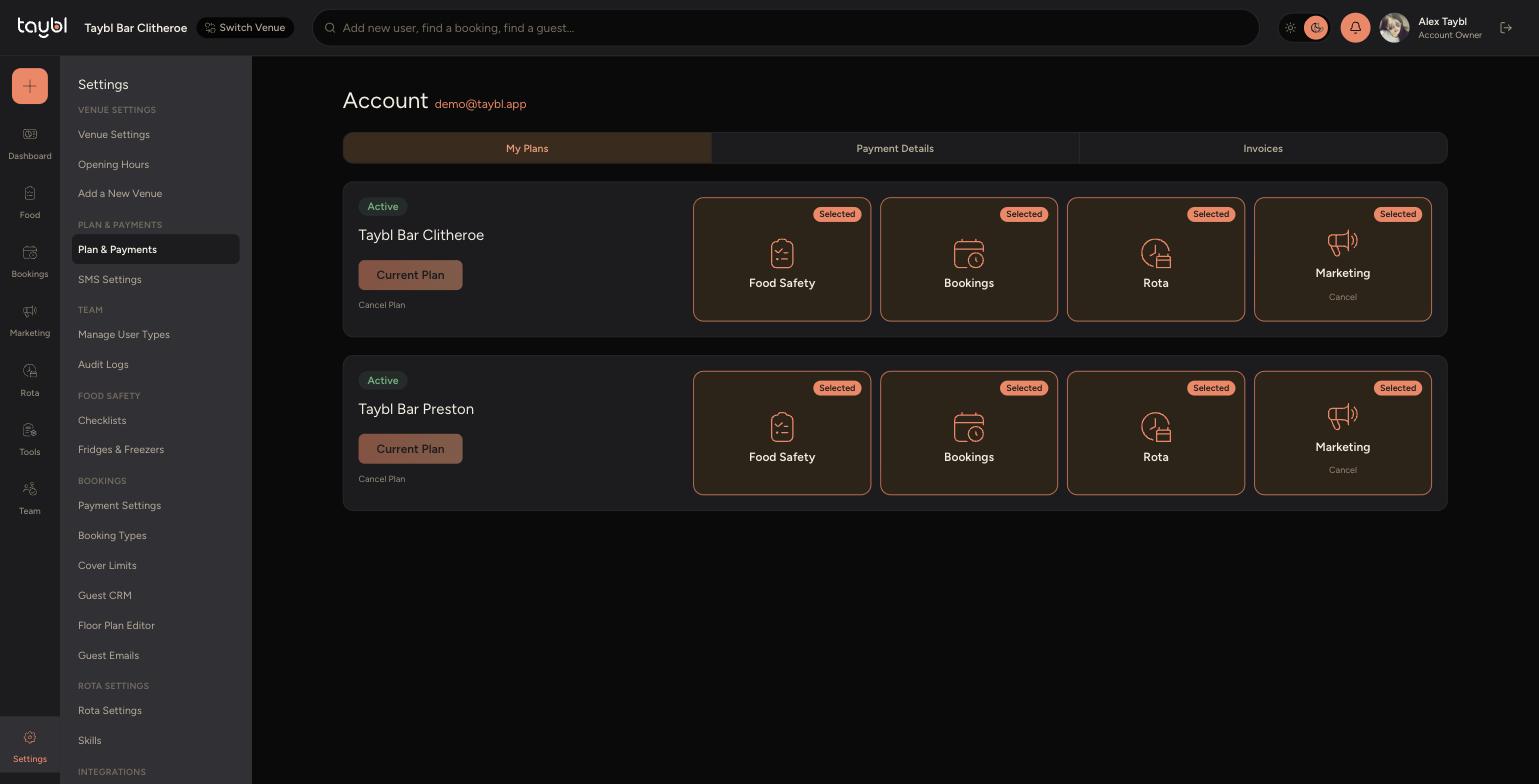
Add or remove modules on a venue's plan whenever your needs change.
Steps
-
Go to Settings, then "Plan & Payments" under Plan & Payments.
-
- On the "My Plans" tab, find the venue you want to change. Each venue shows its own set of module tiles, such as Food Safety, Bookings, Rota and Marketing.
-
- Click a module tile to toggle it. A tile marked "Selected" is on the plan, click it to remove it. Click an unselected tile to add it.
-
- Once you've made a change, the button under the venue name switches from "Current Plan" to "Update Plan". Click it to confirm and apply the new plan.