

Contacts is your quick-access list of tradespeople and service providers, like electricians, plumbers and pest control, so you can reach them fast when something needs fixing.
Steps
-
Go to Manage > Suppliers & Contacts > Contacts.
-
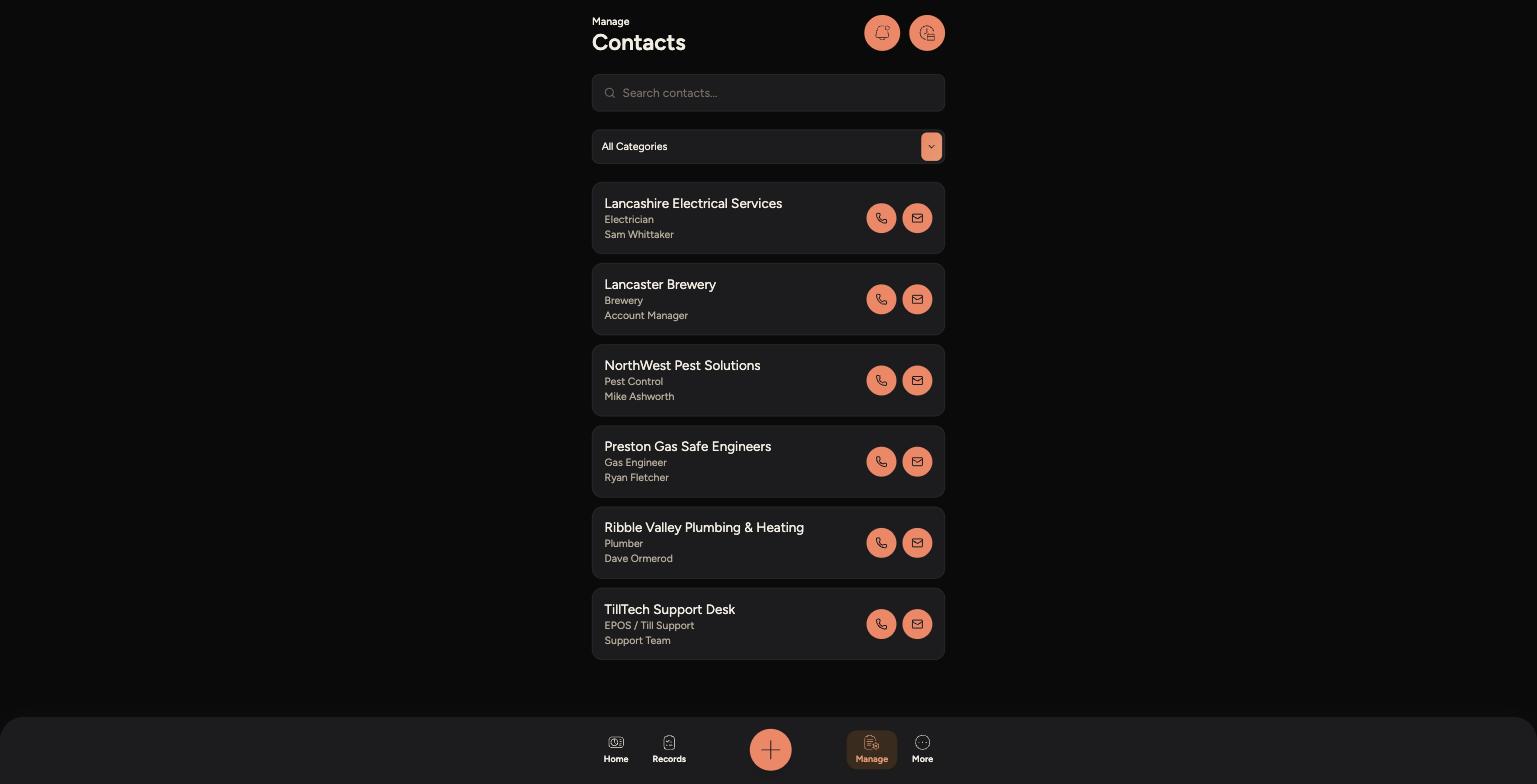
Use the search bar, or the Categories filter, to find the trade or service you need.
-
Each contact shows their business name, trade and the named person to ask for.
-
Tap the phone icon to call them directly, or the envelope icon to send an email.
The Contacts list, grouped by trade and category
Tips
Contacts is different from Suppliers — use this list for one-off trades and service providers, not for your regular food and drink suppliers.
For urgent issues, like a gas or electrical fault, always call rather than email.
If a contact you need isn't listed, let a manager know so it can be added from the Admin Panel.