

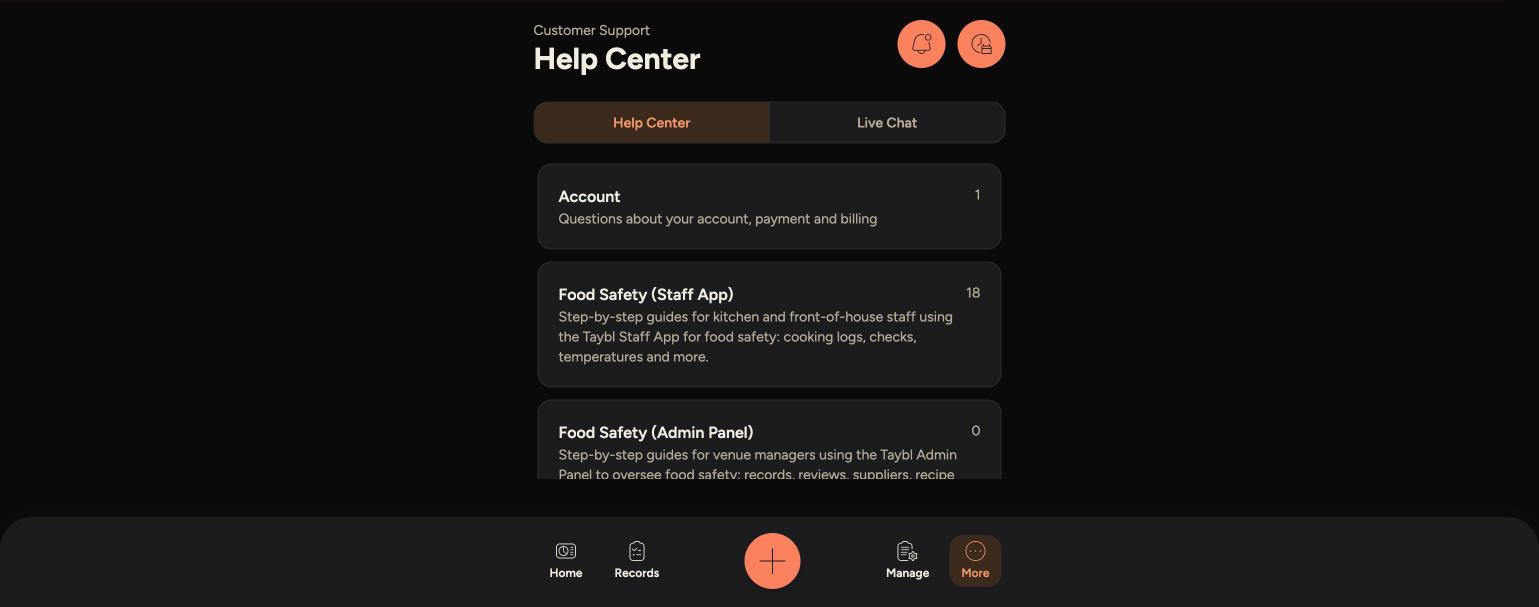
If you're stuck or something isn't working, the Support section has this Help Center of articles and a Live Chat straight to the Taybl team.
Steps
-
Go to More > Support.
-
On the Help Center tab, browse by category, or use the search bar to find a specific topic.
-
Tap an article to read the full step-by-step guide.
-
If you can't find what you need, switch to the Live Chat tab and send a message to the Taybl team.
The Help Center, showing article categories and counts
Live Chat, for sending a message straight to the Taybl team

Tips
Check the Help Center first — most questions are answered there instantly, without waiting for a reply.
The article count next to each category tells you how much is covered there before you start browsing.
For anything urgent, like equipment failure or a health and safety issue, speak to your manager directly rather than waiting on chat.