

Food wastage is logged from the Staff App whenever stock is thrown away, keeping a record of what's wasted and why.
Steps
-
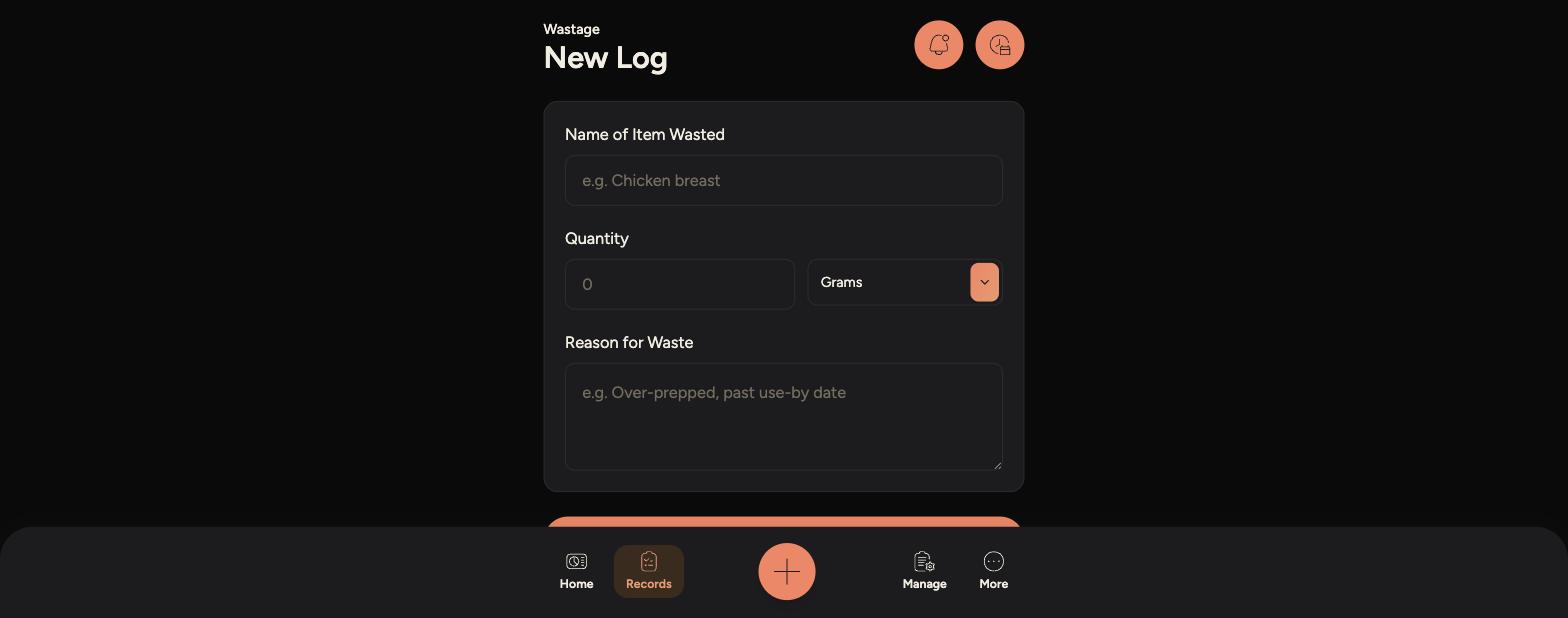
Tap the + Quick add button, or go to Manage > Logs > Wastage Log.
-
-
Enter the Name of Item Wasted.
-
Enter the Quantity and choose the unit, such as Grams or Kilograms.
-
Enter the Reason for Waste, such as over-prepped or past use-by date.
-
Tap Submit Wastage Report to save it.
-
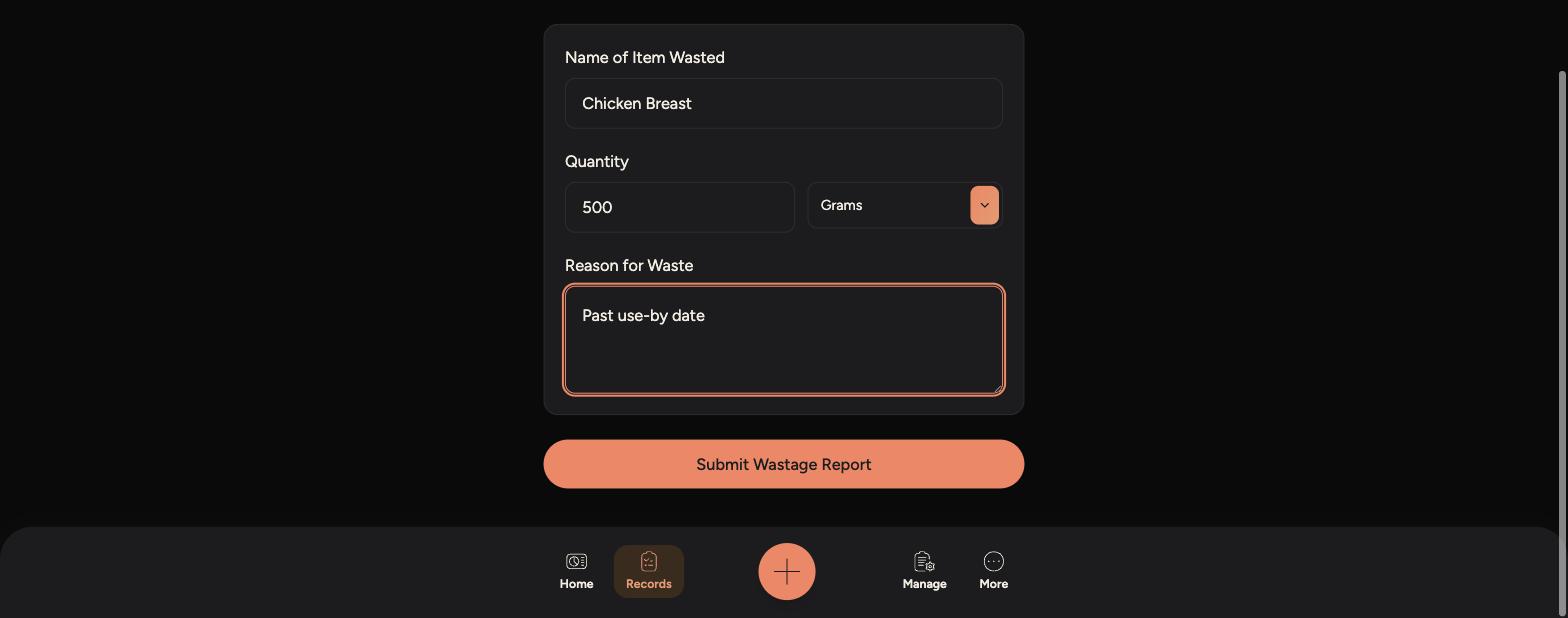
Logging wastage accurately helps track patterns over time, such as items that are regularly over-prepped or going out of date before use.
Be specific with the Reason for Waste - "over-prepped" or "dropped on floor" is more useful than a vague note.
Wastage records are saved under Records > Wastage Log, so managers can review what's being thrown away and why.