

Flag a booking where the guest didn't turn up, and undo it if it was marked by mistake.
Steps
-
Go to Guestlist and find the guest's booking.
-
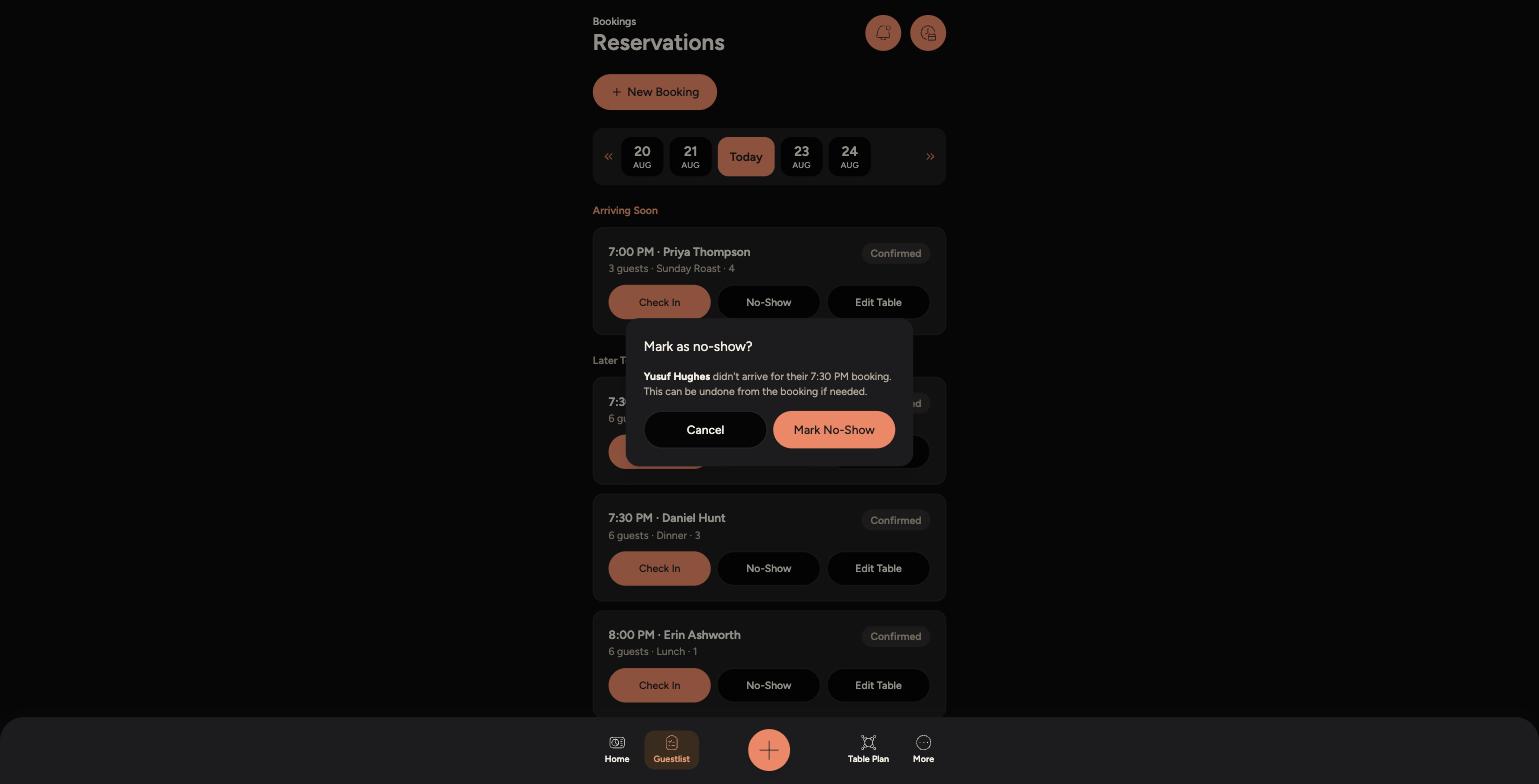
Tap "No-Show" on that booking.
-
-
Confirm by tapping "Mark No-Show" on the pop-up.
-
The booking is now flagged "No-Show". If it was marked in error, tap "Undo No-Show" on that booking to put it back to its previous status.
Tips
Marking a booking as a no-show is different from cancelling it - the booking stays on record, just flagged as a no-show, which helps managers track patterns for repeat no-shows.
Give it a few minutes past the booking time before marking a no-show, in case the guest is just running late.