

My Rota shows your upcoming shifts for the week, so you always know when and where you're working.
Steps
-
Open the Staff App and tap the Rota icon in the top right corner.
-
Tap "My Rota".
-
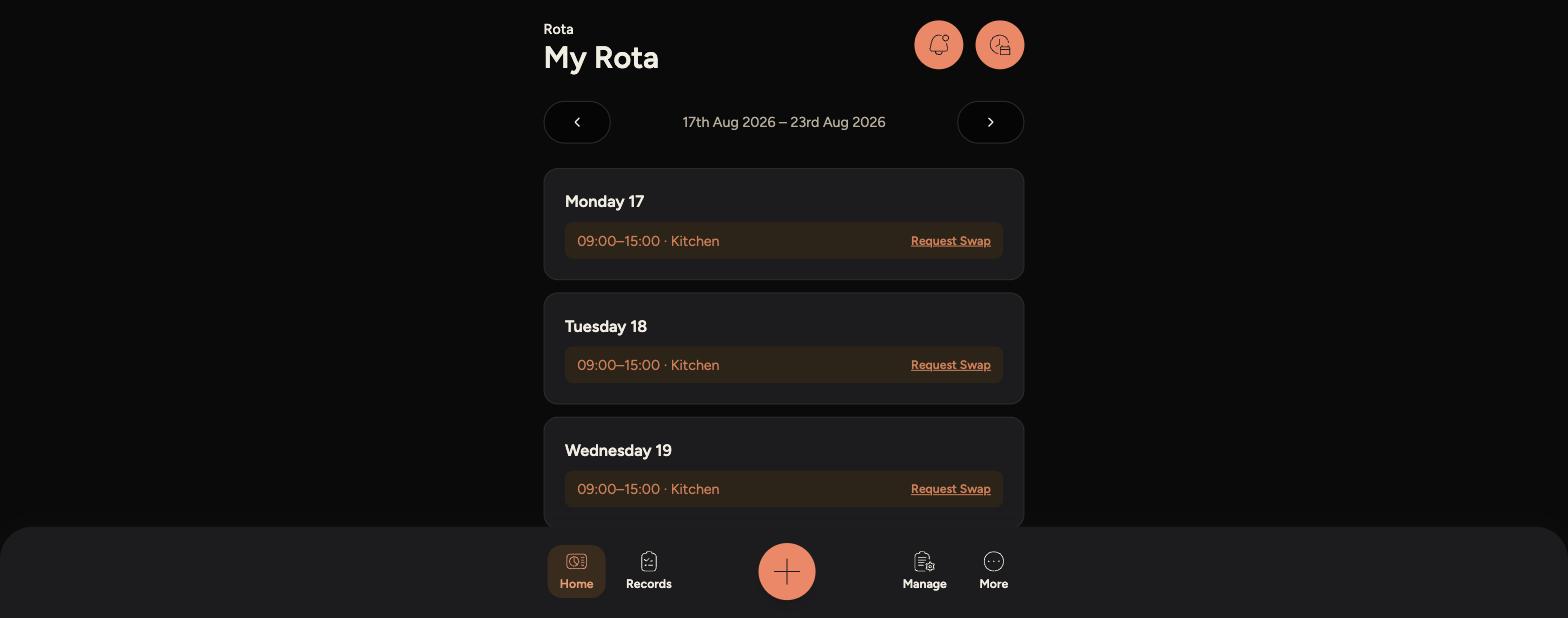
Your shifts for the current week are listed day by day, showing the time and section you're working, for example Kitchen or Front of House.
-
-
Use the arrows either side of the date range to move between weeks.
Tips
If a day has no shift listed, you're not scheduled to work that day.
Tap "Request Swap" next to any shift if you need someone to cover it for you.