

Opening Checks is a swipeable checklist you complete at the start of the day, answering Yes, No or N/A to each question.
Steps
-
From the Home screen, tap Opening Checks, or go to Manage > Checklists > Opening Checklist.
-
Read the question shown on the card, which is tagged by category such as Food.
-
Tap Yes, No or N/A to answer, or swipe the card left or right.
-
Keep answering until you've worked through all the questions - the counter at the top shows your progress.
-
Once every question is answered, the checklist is marked complete for the day.
-
Complete Opening Checks before service starts, so any issues can be dealt with before customers arrive.
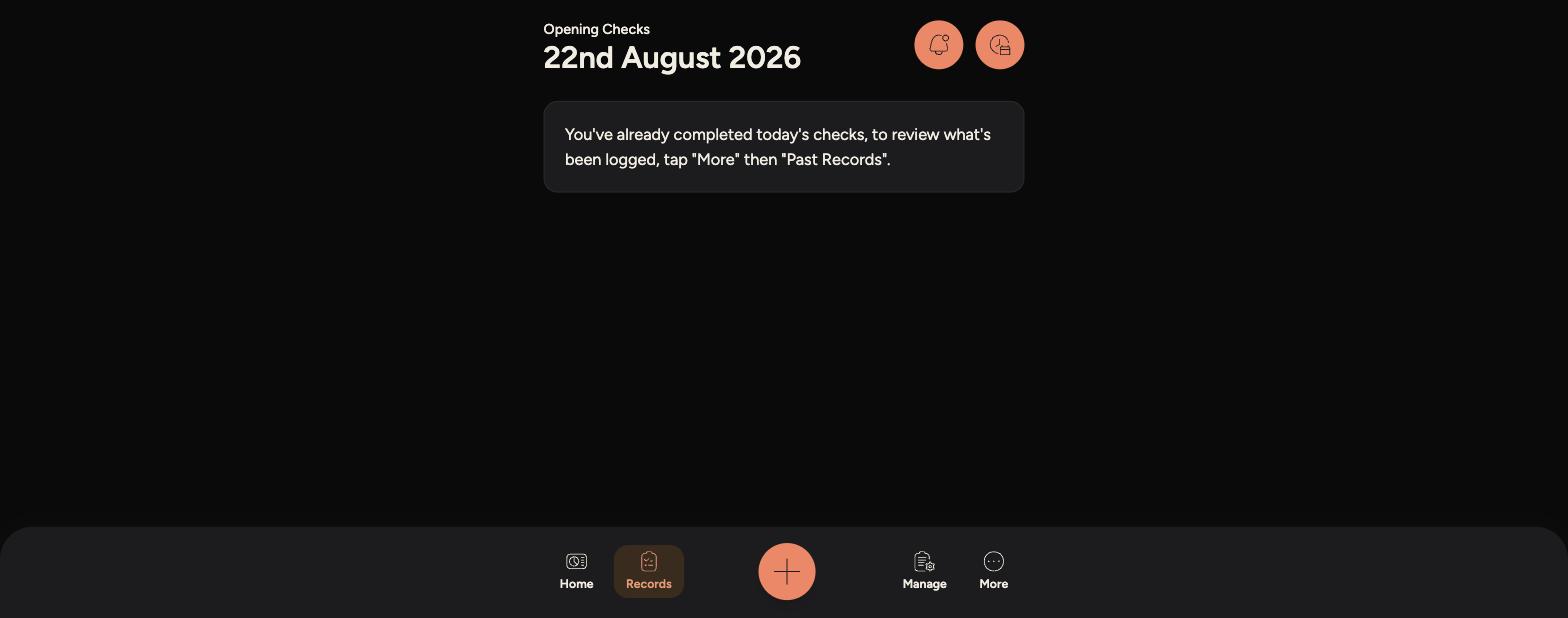
If you've already completed today's checks, the screen will let you know - tap More then Past Records to review what was logged.
Completed checklists are saved under Records > Opening Checks, so you can look back at any day's results.